
Oreus models · hosted in France
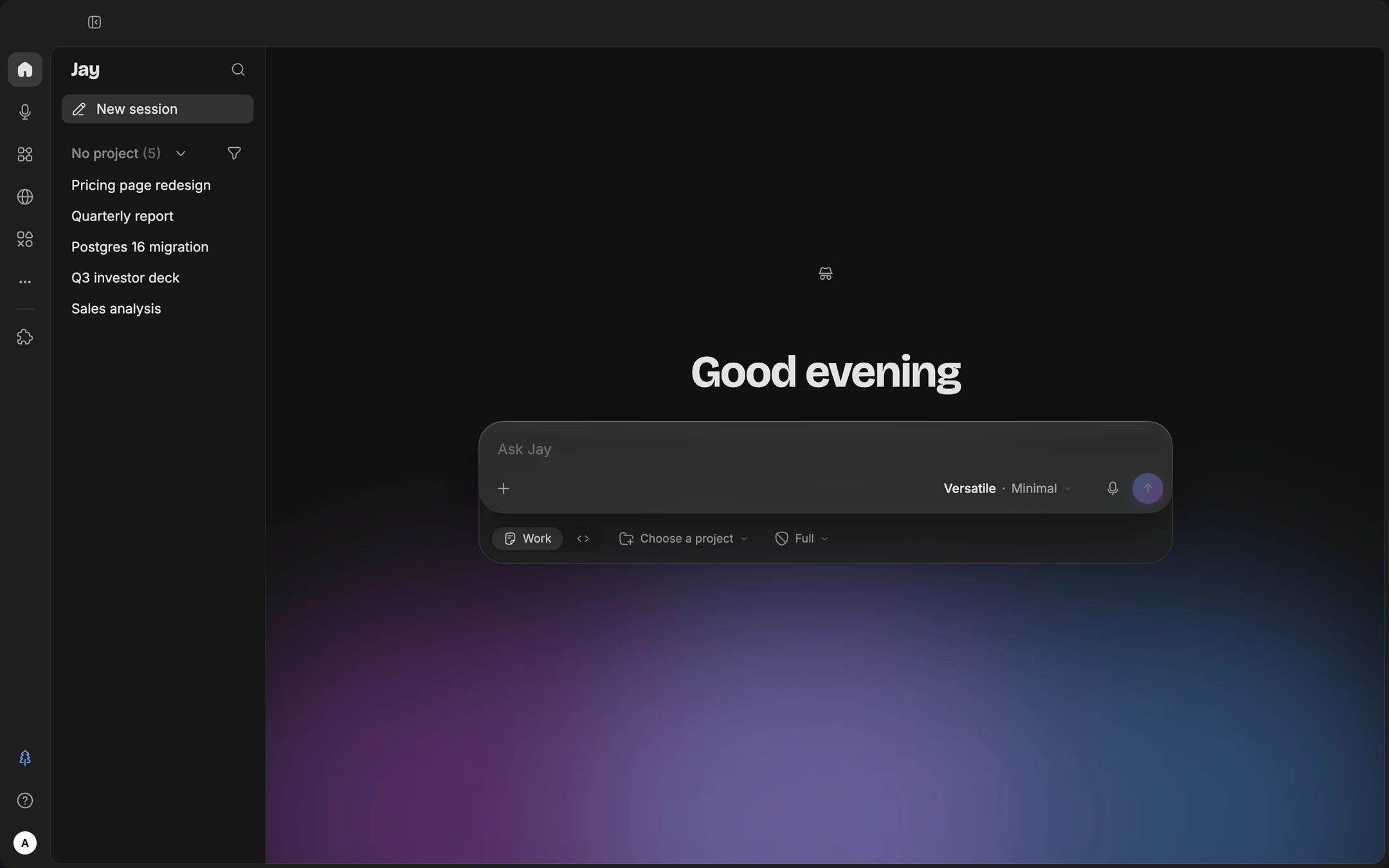
Jay. Your AI Studio.
From idea to deliverable. Jay produces your documents, writes your code, browses the web and works with your tools, right from your computer.
01Code
Code that moves forward.
Jay works in your repository: it reads the code, edits it, runs commands and tests, and even drives your app in an iOS or Android simulator.
- Every change in view: the Code tab shows the modified files and the diff for each one.
- Git stays your call: Jay never commits or pushes on its own. It writes the message, then the pull request on GitHub, GitLab, Forgejo or Bitbucket.
- Isolated copy: it moves forward on a real branch, in a copy of the repository, while you code in yours.
02Documents
Documents ready to share.
In the Atelier, Jay produces real files, stored in your folder and opening in Word, Excel or PowerPoint.
- Presentations: slides made of real objects, to present from Jay or export to PowerPoint, PDF or Google Slides.
- Spreadsheets: an Excel workbook with formulas and charts, computed with code: every cell can be checked.
- Documents: a laid-out Word or PDF file. To revise an existing Word file, it writes a copy next to it, never over the original.
03Web
The web, working for your projects.
Two levels: a sourced search in a few seconds, or a real browser that Jay drives the way you would.
- Search: an answer with its citations, or a sourced report for a watch or a market study.
- Browser: it opens pages, fills in a form, extracts a table, downloads a file. You see the page and take over whenever you want.
- Safeguards: Jay never types a bank card number, and you block sensitive sites.
04Tools
Your tools, in the same flow.
Jay plugs into what you already use, and adapts to your job.
- Ready-made connectors: Google Calendar, Docs and Slides, Notion, Figma, Qonto, Pennylane, Pappers.
- Universal socket: any tool that offers an MCP server plugs in, including your internal tools.
- Job packs: finance, marketing, HR, development… one click turns on the skills your job needs.
05Automations
Recurring tasks run themselves.
Say “schedule this every Monday at 8am”: Jay creates the flow and keeps the context of your project.
- Scheduled: every day, on working days, every week or every hour.
- Watched folder: a file arrives, Jay handles it. Every PDF dropped into “Invoices” is read, renamed and added to the workbook.
- WebFlows: a sequence of actions on a site, recorded once, replayed in one click or scheduled.
06Control
You stay in control.
The permission level does not change what Jay can do: it changes what it does without asking you.
- Three levels: Default asks before every action, Auto lets routine actions through, Full no longer asks.
- Always confirmed: sending an email or changing a share needs your approval, even with full access.
- Plan mode: Jay analyses and proposes a plan without writing anything. You approve, it executes.
The studio
Your ideas take shape here.
Powered by Oreus
The power of AI, hosted in France.
Jay runs on Oreus models: open source models, hosted in France. Nothing is sent to their publishers. Pick the mode that fits the task, or let Adaptive choose.
Picks the right mode for each request.
You would rather not choose: Adaptive reads the request, then sets the mode and the effort. It moves up a gear on its own when the task gets hard.
- The default setting
- Automatic mode and effort
For everyday work.
Fixing code, building a deck from a few notes, writing a note or a polished email. At Minimal effort it answers almost instantly.
- Reads images
- The best balance of speed and quality
For long, multi-step tasks.
Exploring a large repository, rewriting a file of several dozen pages, cross-checking a large spreadsheet, turning an hour-long meeting into structured minutes.
- 1M tokens of context
- Reads images
- Effort up to Max
The most powerful, for the problem that resists.
A stubborn bug, a refactor touching many files, an in-depth report whose outline must hold from start to finish: wherever an early mistake ruins everything after it.
- The deepest reasoning
- 1M tokens of context
Download
Jay on your machine.
A desktop app. Once installed, updates are applied automatically.
- Download
macOS Your system
Apple Silicon · .dmg
- Download
Windows Your system
x64 · .exe installer
- Download
Linux Your system
AppImage · x64 · arm64 version